Online school for beginners and professional photographers "Art photography from A to Z"
Here you can buy my selected courses on a variety of themes.


Special Offer
with an 70% discount
School of photography
from the world’s TOP 3 children and family photographers
“Art and editing photography from A to Z”
And learn how to create spectacular photos that you can’t take your eyes off
If you:
Do you really on luck to take great photos?
You struggle to create the desired effect, but the result is that the photo is different from the picture in your head
Are you afraid to start taking money for shooting, because you are not sure about your own work
This is what most photographers face But things can be very different…
Just imagine:
You create outstanding photos that will take your friends and customers ' breath away
You have become a sought-after specialist and earn decent money
You give people happiness, joy and magic with your art
My name is Elena MikhailovaI’m among the Top 3 best children’s photographers in the world according to 35 AWARDS.
I have been working in professional photography for more than 10 years and teaching 6 years. And helped over 6,000 people master the art of photography.

1. Great Photo Art Workshop “My Artistic Processing from A to Z” ($250 Value)
New price 50$
During this master-class, you will learn the principles of artistic photo processing on the example of five completely different photos (shown on the poster). This algorithm will easily allow you to process any pictures in the same beautiful and artistic way. I will also share a detailed scheme of how to work in the Photoshop editor.
Firstly, we will be moving on to where to start and how to finish processing of your photos “From A to Z”. At the same time, you will learn how to perform the same technique in different ways, how to set up and write actions, and how to work with plug-ins. At the end of the class, you will have a comprehensive understanding of photo processing, and the scattered knowledge in this area will be systematized.
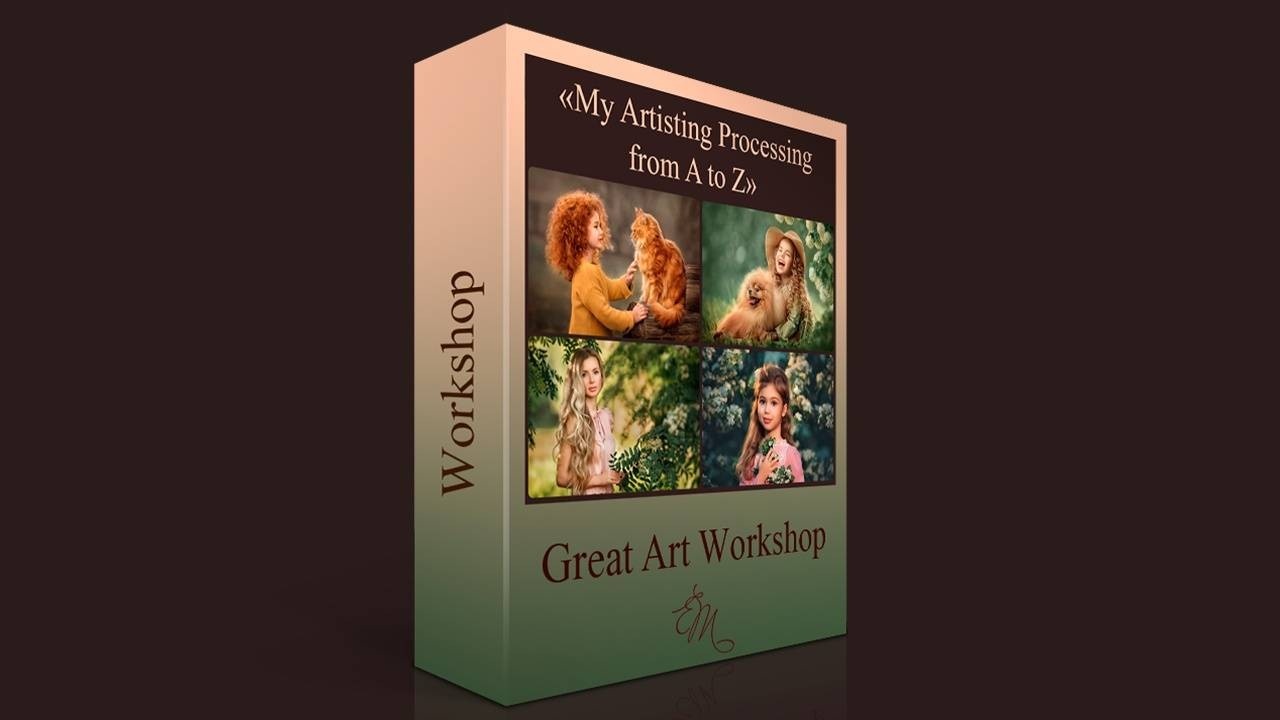
“Great Photo Art Workshop “My Artistic Processing from A to Z”
GREAT Photo Art Workshop “My Artistic Processing from A to Z” ($250 Value) Duration 8 hours Dear friends, I’mpleased to present to you the video of my big online master-class of artistic photoprocessing. It is a useful and completed course on artistic retouching! During this master-class, you will learn the principles of artistic photo processing on theexample of five completely different photos (shown on the poster). This algorithm will easily allow you to process any pictures in the same beautiful and artistic way. I will also share a detailed scheme of how to work in thePhotoshop editor.Firstly, we will be moving on to where to start and how to finish processing of your photos “From A to Z”. Atthe same time, you will learn how to perform the same technique in differentways, how to set up and write actions, and how to work with plug-ins. At theend of the class, you will have a comprehensive understanding of photoprocessing, and the scattered knowledge in this area will be systematized.
$50.00 USD
1. Conversion from RAW in Adobe Camera RAW. Qualitative basic correction.We will gradually go through all the tabs: basic, calibration, detail, effects, lens correction, HSL adjustments, split toning.This will show what artistic tricks we can use when developing a RAW file.
- Correct cropping and transformation of a photograph. Frames merging.
- Work with plasticity of faces and bodies. Correction of defects. Nuances of work.
- Work with backgrounds. Deleting extraneous content. Different types of blurring.
- Retouching skin. Skin fast processing (multiple options). Peculiarities of child and adult retouching.
- Work with a skin tone (few options). Skin tone equalization.
- Methods of adding contrast (few options).
- Draw a light and shade pattern (few methods).
- Work with the overall color scheme of a photograph (few options).
- How to get lush, clean colors.
- Work with plug-ins. Helper filters that I use. Explore their settings.
- Actions: learning about recording and setting the basic ones. Hot keys for easy work.
- Enhance artistry, volume, and space in a photo. Make your picture look more airy.
- How to reduce noise in a photo (multiple ways).
- Sharpening (multiple ways).
- Blending modes. Working with layers and masks.
- Work in curves.
- Matt toning. When is it appropriate?
- My secrets and “tricks” that greatly speed up the processing.
- Preparation for printing.
- Preparation for posting on the Internet.
- Complete scheme of photo processing.
The programs in which the training will take place: Adobe Camera RAW; Adobe Photoshop.
2. Bundle “All about preparing for the shooting and Skin Tone editing”
New price 35$!
Lesson “Skin tone” ($70 Value)
You will learn how you can make your skin tone more attractive if your skin tone is red, yellow or green already at the development stage in Camera Raw/ Lightroom…
Lesson “The harmony of a perfect photo” ($60 Value)
This lesson will show you how to use light, colour and the right clothes to create a harmonious photo.
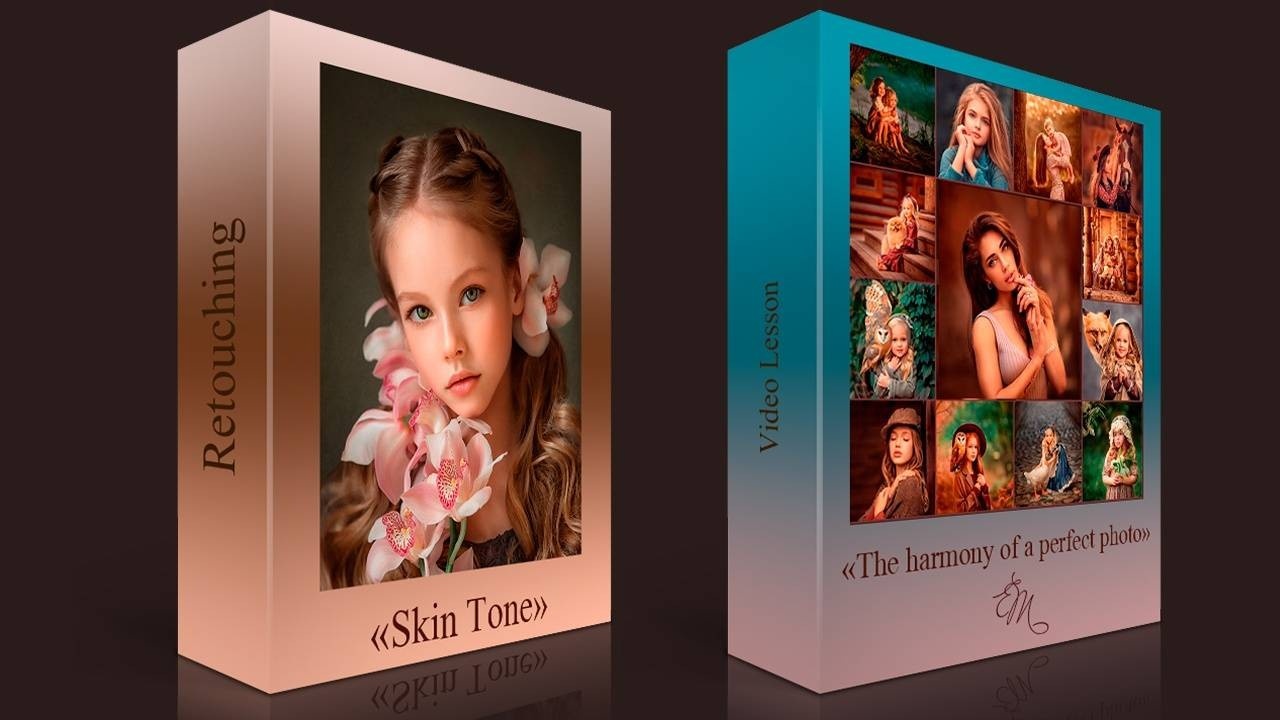
Bundle “All about preparing for the shooting and Skin Tone editing”
Lesson “Skin tone” ($70 Value) You will learn how you can make your skin tone more attractive if your skin tone is red, yellow or green already at the development stage in Camera Raw/ Lightroom… Lesson “The harmony of a perfect photo” ($60 Value) Remember that when there is harmony in colour and light a person wants to look at the photo. Many people will immediately want to commission a photo like this from you! You will be able to find new bookings and vary the cost of your services. It is through new knowledge that you can improve your skills and get to the next level in life!
$35.00 USD
3. Bundle “All the secrets of artistic photography and the editing of the Backlighting photo”
New price 35$!
Backlighting retouch ($70 Value)
This is a lesson on how to process a backlight photo. I purposely took a bad photo to show you how to edit a photo with problems.
158-pages Guide All Secrets by Elena Mikhailova “Artistic photography through my eyes” ($60 Value)
In this guide I have collected all the secrets accumulated over many years of work and it contains everything I use in practice; there is nothing superfluous!
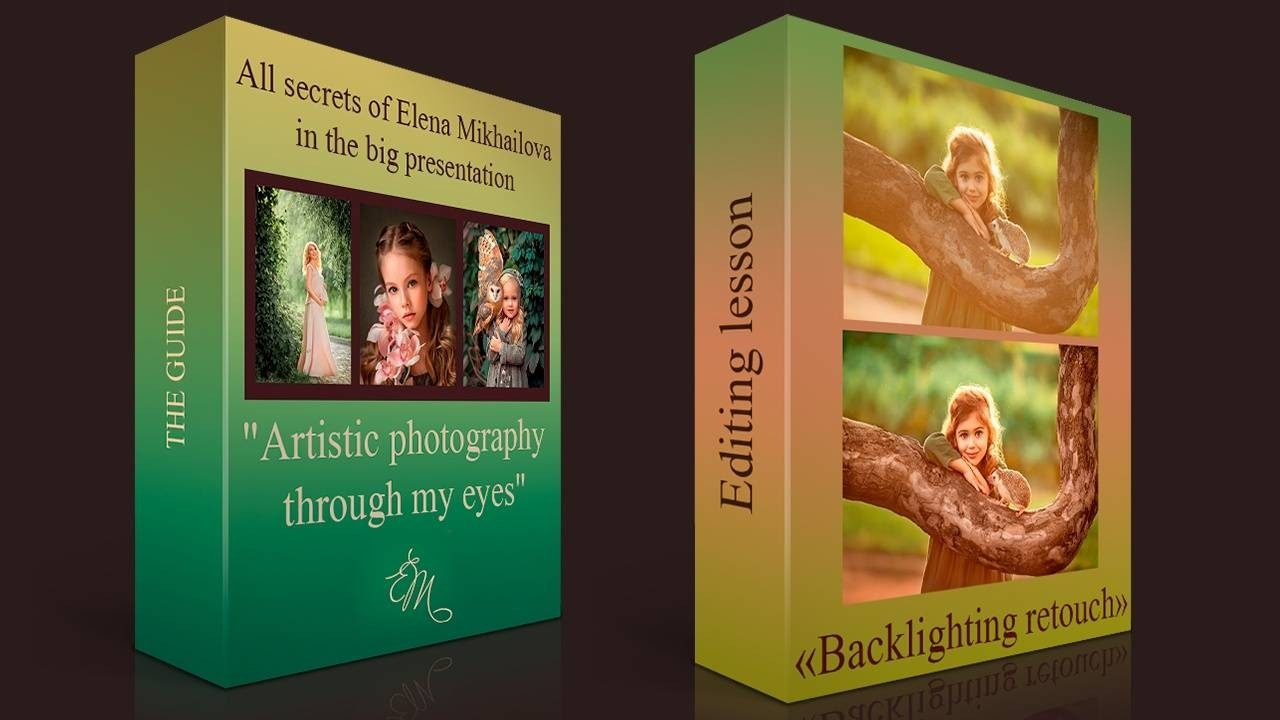
Bundle “All the secrets of artistic photography and the editing of the Backlighting photo”
Lesson “Backlighting retouch” ($70 Value) This is a lesson on how to process a backlight photo. I purposely took a bad photo to show you how to edit a photo with problems. 158-pages Guide All Secrets by Elena Mikhailova “Artistic photography through my eyes” ($60 Value) In this guide, I’ve collected all my secrets for creating an artistic photograph, from choosing colours and textures of clothing to camera settings that will make post-processing a whole lot easier
$35.00 USD
4. Bundle “All about light”
New price 35$!
The Backlighting Video Lesson ($50 Value)
In this tutorial, you will learn one of the most beautiful techniques in photography: backlighting:
The work and peculiarities of shooting in backlight
Special effects in shooting and additional props
Shooting from a low point with photographic effects
The Backlighting Guide ($15 Value)
How to become a successful and in-demand photographer?
Learn one of the most beautiful techniques in photography: backlighting!
Have you noticed how eye-catching are photos with backlighting and how often do you want to look at them again? Here is the secret of backlighting!
“Shooting at noon” ($50 Value)
I’ll show where I put the model when shooting on a sunny midday. How I look for reflective objects to illuminate the model.
First pictures of shooting in the shade
Shooting with the sun (secrets and techniques)
Shooting the model with her back to the sun.
Shooting at noon at 12:00
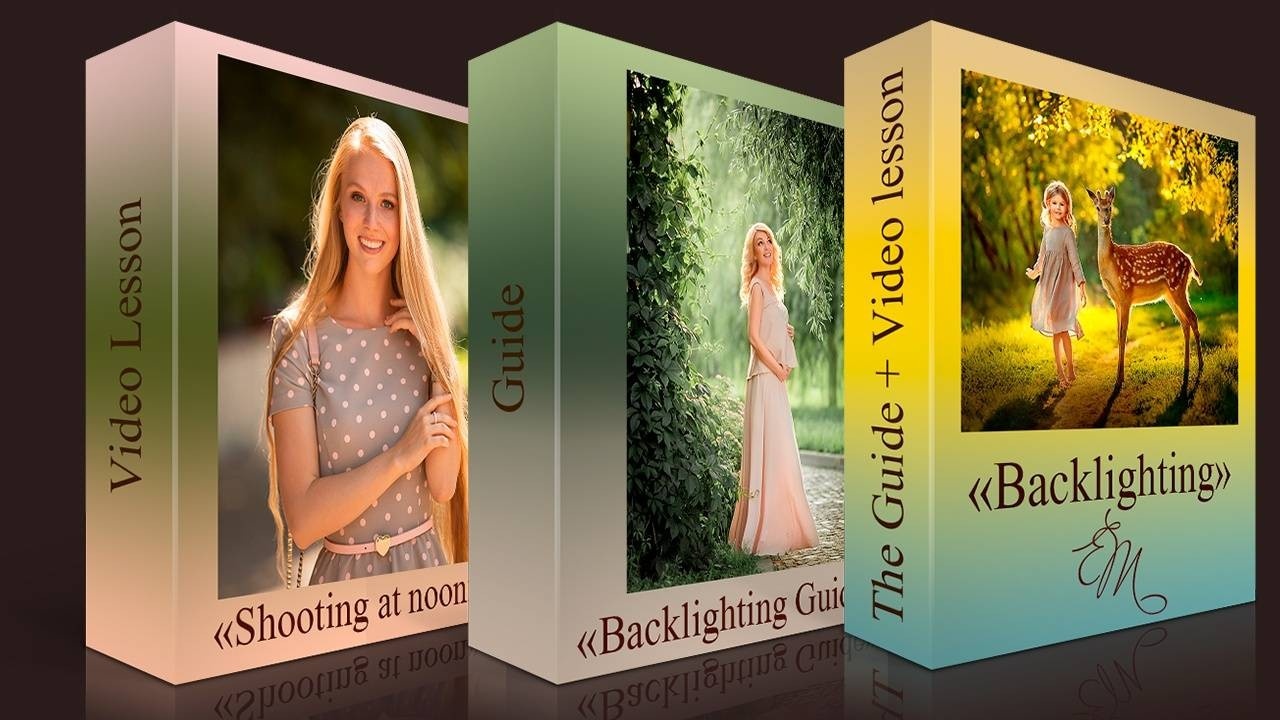
Bundle "All about light"
The Backlighting Video Lesson ($50 Value) In this tutorial, you will learn one of the most beautiful techniques in photography: backlighting: The work and peculiarities of shooting in backlight Special effects in shooting and additional props Shooting from a low point with photographic effects. The Backlighting Guide ($15 Value) How to become a successful and in-demand photographer? Learn one of the most beautiful techniques in photography: backlighting! Have you noticed how eye-catching are photos with backlighting and how often do you want to look at them again? Here is the secret of backlighting “Shooting at noon” ($50 Value) I’ll show where I put the model when shooting on a sunny midday. How I look for reflective objects to illuminate the model. First pictures of shooting in the shade Shooting with the sun (secrets and techniques) Shooting the model with her back to the sun. Shooting at noon at 12:00
$35.00 USD
5. Bundle “All about 3D in photos”
New price 40$!
“3D effect in photography” ($70 Value)
How to find the right locations, perspectives, so that photos immediately look deep and three-dimensional.
How to use Perspective
How to use light and its directionality correctly
How to make a photo light and airy.
Achieving depth of volume in photos. Artistic Processing
The secrets of processing in Photoshop.
“Children and Family Shooting on a Summer Day in the Outdoors” ($50 Value)
In this video I will show how I choose different locations in practice, how I work with the model, and how to do a complete photo shoot for a client.
How to work with non-professional models.
How to choose a location of the shooting
Shooting from different points
Backlight with a photographic flashlight
Shooting by the water
Sunset Side Light Shooting
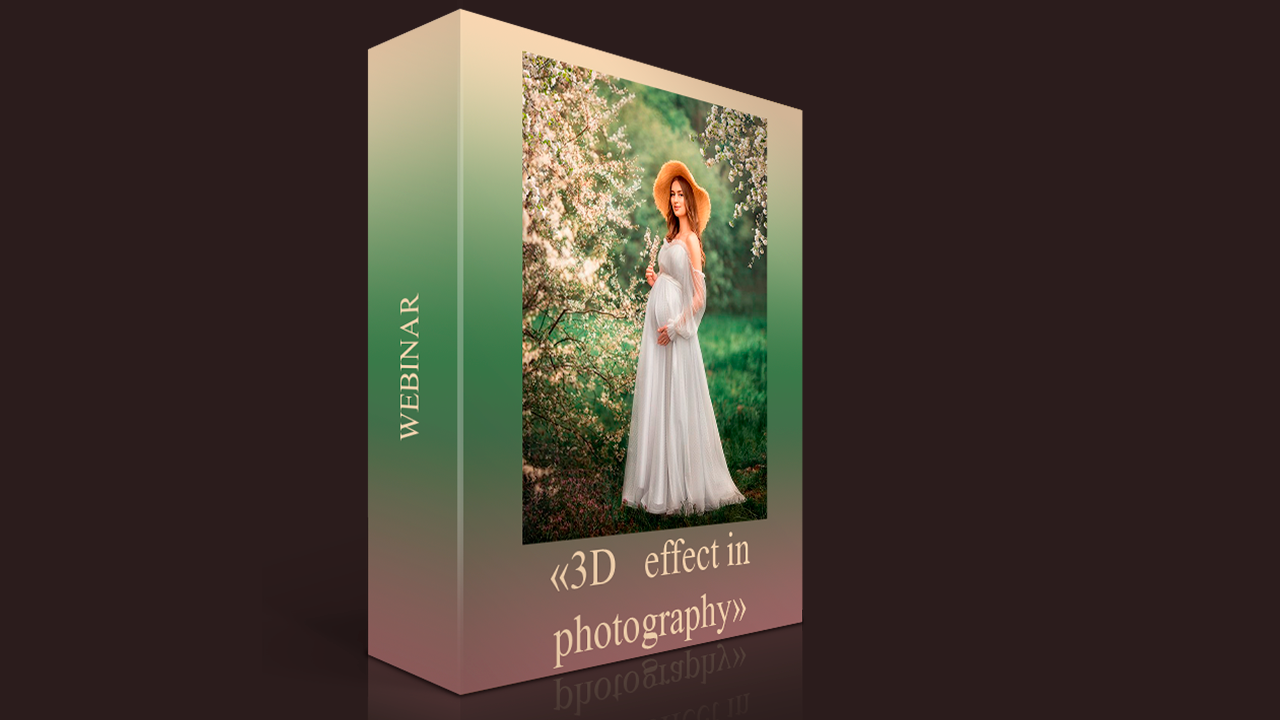
Bundle “All about 3D in photos”
“3D effect in photography” ($70 Value) How to find the right locations, perspectives, so that photos immediately look deep and three-dimensional. How to use Perspective How to use light and its directionality correctly How to make a photo light and airy. Achieving depth of volume in photos. Artistic Processing “Children and Family Shooting on a Summer Day in the Outdoors” ($50 Value) In this video I will show how I choose different locations in practice, how I work with the model, and how to do a complete photo shoot for a client. How to work with non-professional models. How to choose a location of the shooting Shooting from different points Backlight with a photographic flashlight Shooting by the water Sunset Side Light Shooting
$40.00 USD
6. Bundle “Pregnancy shooting and autumn photo editing”
New price 30$!
Video lesson "Shooting pregnant women" ($50 Value)
A pregnant photo shoot is a special kind of shooting that I love very much., because waiting for a baby is a magical time for parents and I really want to emphasize all the femininity, tenderness and beauty of the expectant mother.
In this lesson, I will tell you how to choose the locations correctly, which moments should be paid attention while shooting. How to get wonderful pictures and have a lot of positive emotions.
“Boy with a rabbit” ($50 Value)
In this lesson, we will analyze a step-by-step algorithm for processing photos. You’ll learn how to work with plugins, filters, curves, layers, and masks
Image editing in Camera Raw — basic colour correction, working with gradients, brushes, cropping.
Using Photoshop for artistic processing
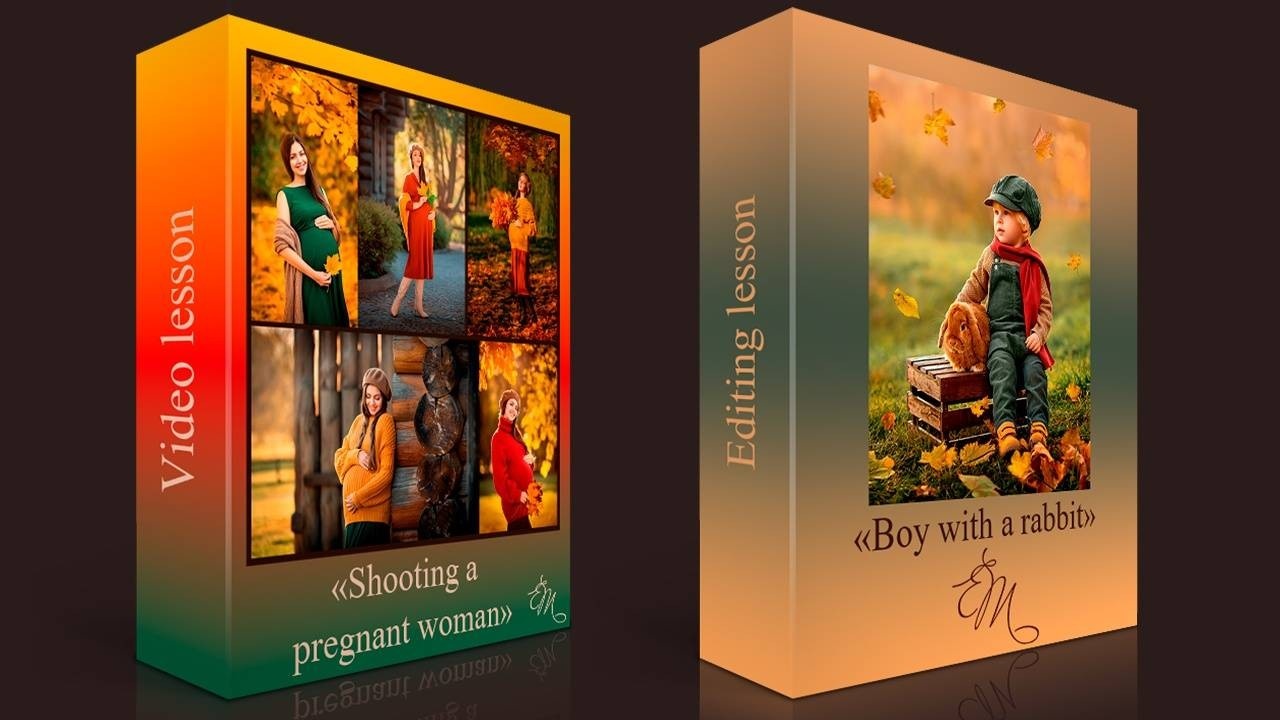
Bundle “Pregnancy shooting and autumn photo editing”
Video lesson "Shooting pregnant women"($50 Value) A pregnant photo shoot is a special kind of shooting that I love very much., because waiting for a baby is a magical time for parents and I really want to emphasize all the femininity, tenderness and beauty of the expectant mother.In this lesson, I will tell you how to choose the locations correctly, which moments should be paid attention while shooting. How to get wonderful pictures and have a lot of positive emotions. “Boy with a rabbit” ($50 Value) In this lesson, we will analyze a step-by-step algorithm for processing photos. You’ll learn how to work with plugins, filters, curves, layers, and masks Image editing in Camera Raw — basic colour correction, working with gradients, brushes, cropping. Using Photoshop for artistic processing.
$30.00 USD
7. Bundle “All about posing and shooting in bloom”
New price 30$!
“Posing models in photography” ($50 Value)
In this lesson you will learn how to pose and expose models of different ages. I believe that this lesson refers to the mandatory basic knowledge so that you can grow quickly in photography and earn more.
“Shooting in bloom" ($50 Value)
In this tutorial I show in practice how I place the heroes respect to the flowers in order to get a beautiful blur in the background.
Shooting with white flowering.
Shooting in the evening.
Shooting in sunny weather
Shooting the model in flowering
The Guide “How I Set Up My Camera” ($15 Value)
In this guide, I talk in detail, gradually, about all of my settings for taking pictures
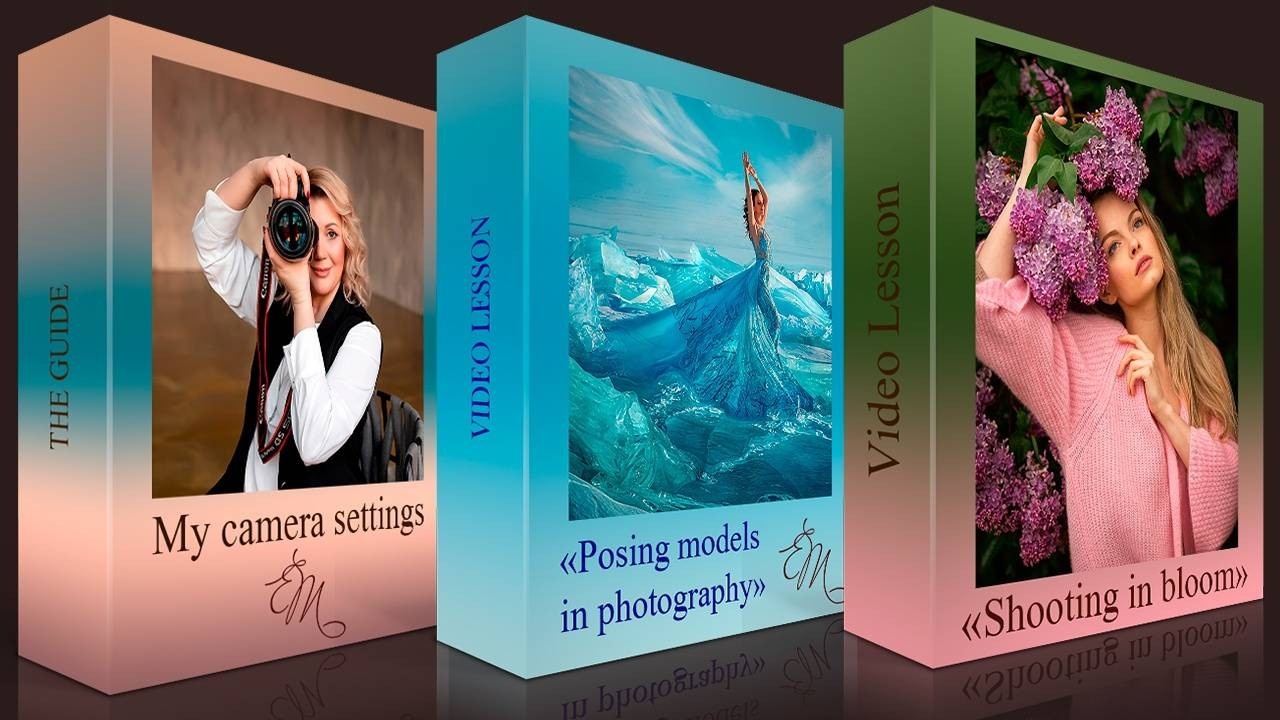
Bundle “All about posing and shooting in bloom”
“Posing models in photography” ($50 Value) In this lesson you will learn how to pose and expose models of different ages. I believe that this lesson refers to the mandatory basic knowledge so that you can grow quickly in photography and earn more. “Shooting in bloom ($50 Value) In this tutorial I show in practice how I place the heroes respect to the flowers in order to get a beautiful blur in the background. Shooting with white flowering. Shooting in the evening. Shooting in sunny weather Shooting the model in flowering The Guide “How I Set Up My Camera” ($15 Value) In this guide, I talk in detail, gradually, about all of my settings for taking pictures.
$30.00 USD
8. Bundle “All about a portrait”
New price 30$!
“All about the eyes in a portrait” ($50 Value)
You will learn my secrets of working with models and discover 3 easy ways on how to beautifully process the eyes.
How to enlarge the eyes shape
How to remove eye defects
How to whiten the whites of the eye
How to add highlights to the eyes
How to make the eyes more volume
Secret-shine eyes and corneal tinting
“Portrait shooting in a studio with natural light” ($50 Value)
In this lesson I will show how I take a portrait in the studio, how I work with the model, how to find the right light, and do some experiments.
Work with the young model. Preparing for the shoot.
How to use a light reflector correctly
Shooting with a light torch.
The Guide “10 Reasons Your Photos Are Out Of Focus” ($15 Value)
In this guide I will tell you the 10 main reasons why images Out Of Focus
And I also share tips on how to get rid of this problem once and for all.
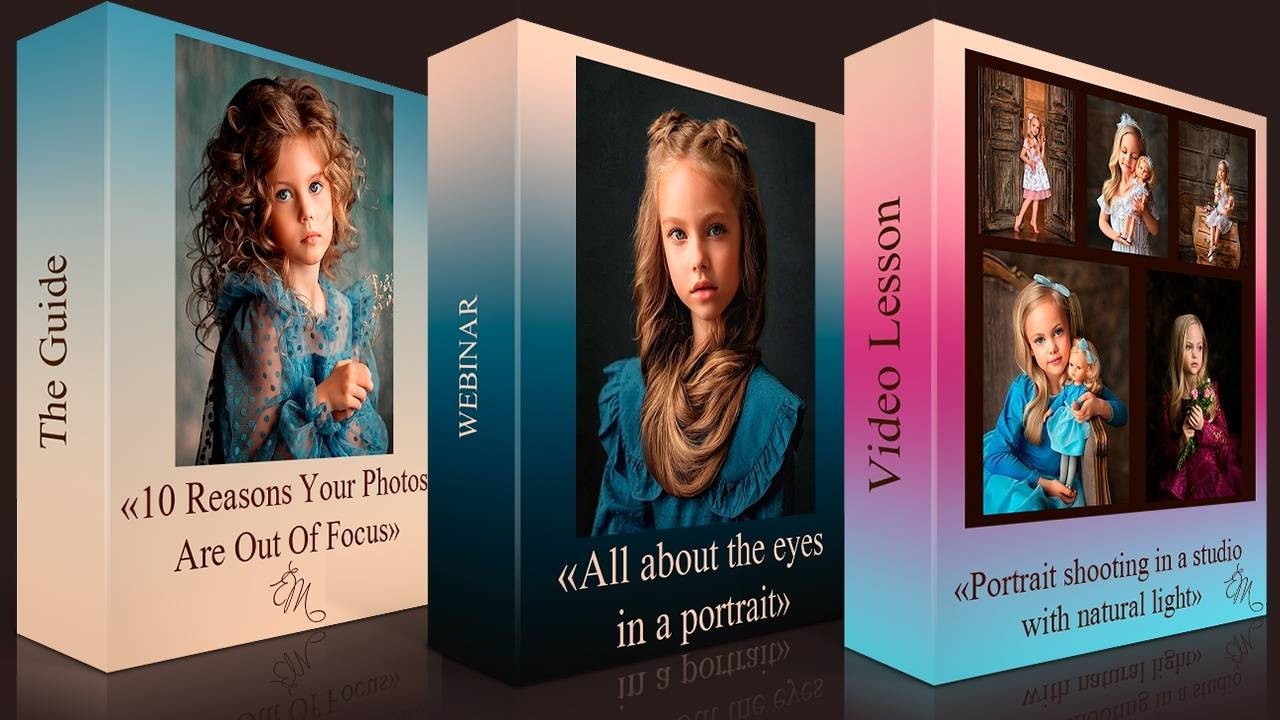
Bundle “All about posing and shooting in bloom”
“All about the eyes in a portrait” ($50 Value) You will learn my secrets of working with models and discover 3 easy ways on how to beautifully process the eyes. How to enlarge the eyes shape How to remove eye defects How to whiten the whites of the eye How to add highlights to the eyes How to make the eyes more volume Secret-shine eyes and corneal tinting “Portrait shooting in a studio with natural light” ($50 Value) In this lesson I will show how I take a portrait in the studio, how I work with the model, how to find the right light, and do some experiments. Work with the young model. Preparing for the shoot. How to use a light reflector correctly Shooting with a light torch. The Guide “10 Reasons Your Photos Are Out Of Focus” ($15 Value) In this guide I will tell you the 10 main reasons why images Out Of Focus And I also share tips on how to get rid of this problem once and for all.
$30.00 USD
9. Bundle “All about shooting with animals”
New price 45$!
Video Lesson “Shooting with animals” ($50 Value)
It’s no secret that animals and children are loved all over the world. I learned a long time ago that this is the most sought-after genre that people are willing to pay a good price for.
Why does everyone like photos with children and animals so much? Interaction with animals is always a special experience and a great joy for our characters!
At the moment of communication with them, children, and even adults forget about the photographer, relax, and give out natural and sincere emotions. Such shots will not leave anyone indifferent.
Webinar “Ideal shot with animals” ($50 Value)
I’ll show you my favorite tricks for taking and artistically processing photos of animals.You will learn the special features of animal photo processing: how to show the structure of animal hair, how to combine 2 frames into 1 successful one.
How to prepare models and animals.
Peculiarities of shooting with animals
Working in Photoshop. Artistic photo processing.
“Girl with an Owl” ($50 Value)
The lesson demonstrates a detailed step-by-step processing of photos, working with textures, plug-ins and filters. You will also learn how to work with curves, layers and masks.
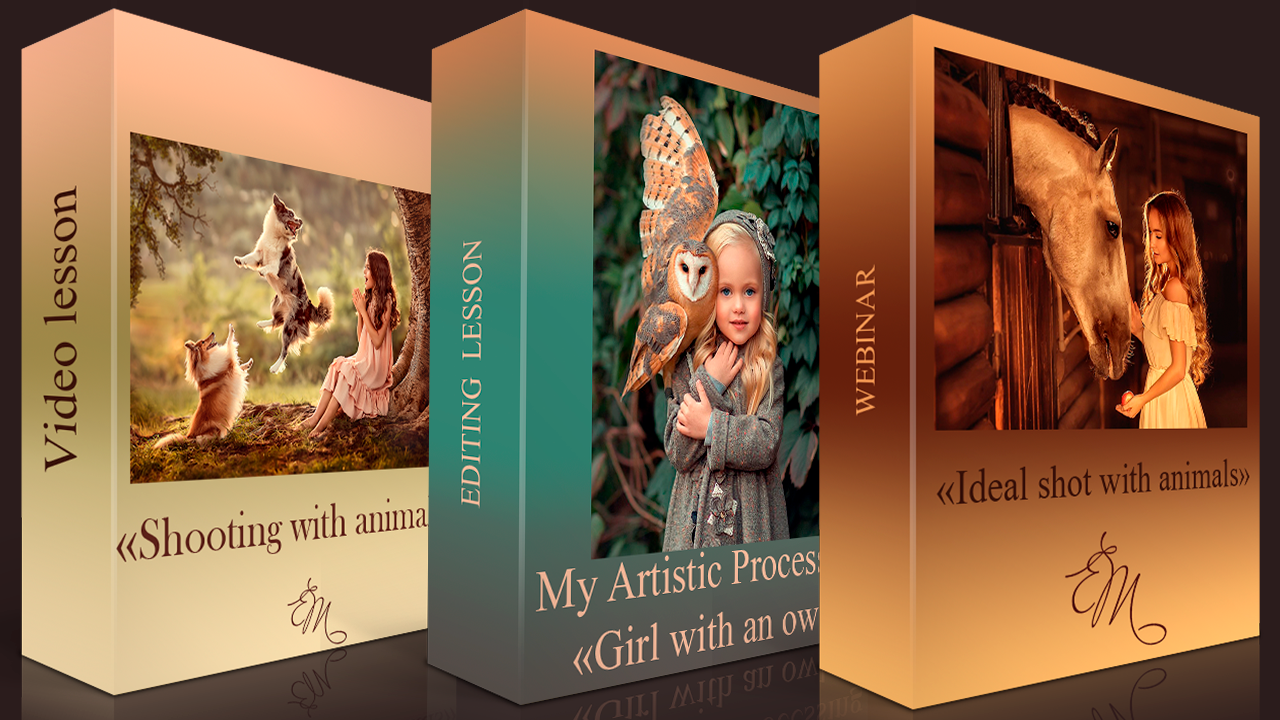
Bundle “All about shooting with animals”
Video Lesson “Shooting with animals” ($50 Value) It’s no secret that animals and children are loved all over the world. I learned a long time ago that this is the most sought-after genre that people are willing to pay a good price for. Why does everyone like photos with children and animals so much? Interaction with animals is always a special experience and a great joy for our characters! At the moment of communication with them, children, and even adults forget about the photographer, relax, and give out natural and sincere emotions. Such shots will not leave anyone indifferent. Webinar “Ideal shot with animals” ($50 Value) I’ll show you my favorite tricks for taking and artistically processing photos of animals.You will learn the special features of animal photo processing: how to show the structure of animal hair, how to combine 2 frames into 1 successful one. How to prepare models and animals. Peculiarities of shooting with animals Working in Photoshop. Artistic photo processing. “Girl with an Owl” ($50 Value) The lesson demonstrates a detailed step-by-step processing of photos, working with textures, plug-ins and filters. You will also learn how to work with curves, layers and masks.
$45.00 USD
Inside you will find everything you need to create truly spectacular photos!


School of photography
from the world’s TOP 3 children and family photographers
“Art and editing photography from A to Z”
The usual cost of these courses is $1255… but you save 85%
You Will Get All Of This For The Low
One-Time Price Of…
JUST $198!

198$ School of photography “Art and editing photography from A to Z”
The School of Artistic Processing and Photography includes all the lessons by Elena Mikhailova. In this course you will learn how to take the perfect original shot and learn how to edit it correctly. Including 20 lessons. 16 hour of video.
$198.00 USD
email lena@fotos35mm.com